All Activity
- Yesterday
-
 Uwuvewve joined the community
 - Last week
-
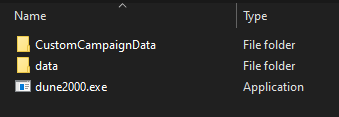
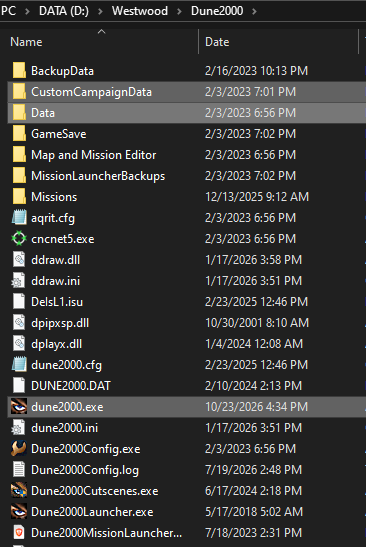
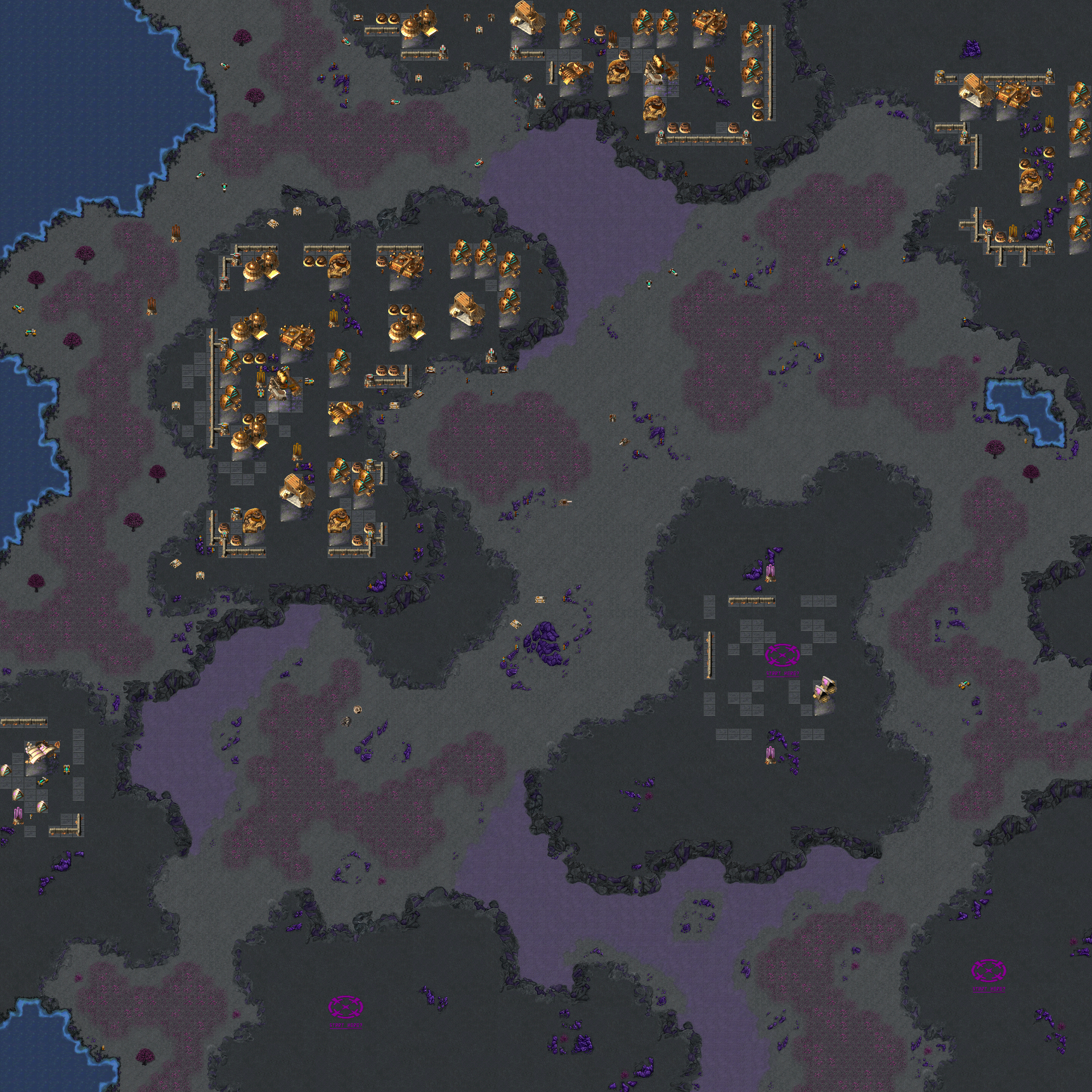
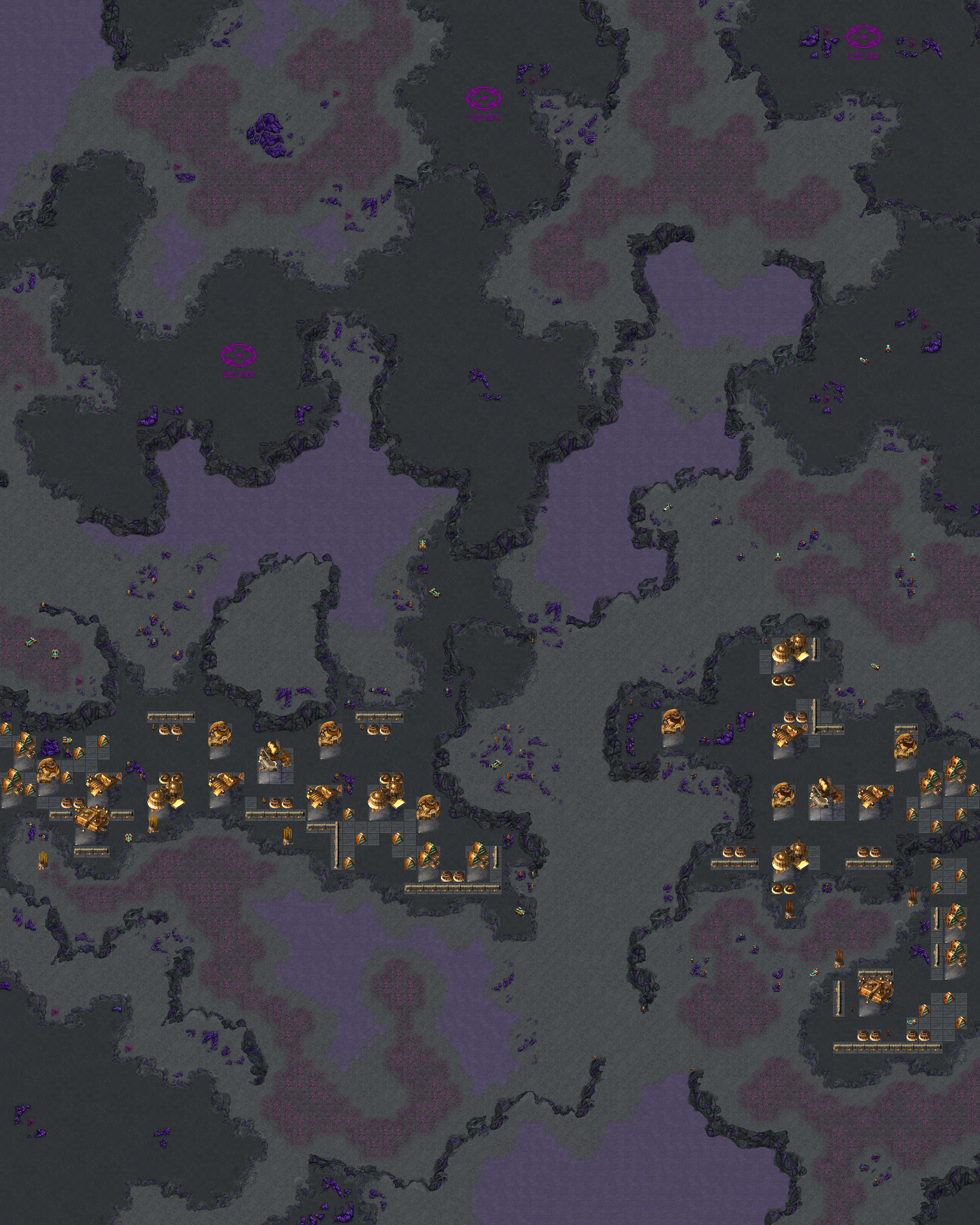
thank you! ah, all you gotta do is copy the folders and exe from the zip linked at the top of the original post and drop them in your d2k directory. it's set up to basically be a one-click install these folders and this exe are also in your Dune 2000 directory. everything will fall into place if you extract / paste here. then run the MissionLauncher.exe (also in the same folder), check under All Missions and then the Emperor section in the bottom left and you'll see the six missions available as of this post somewhere in that list. good luck and have fun!

-
 snark13 joined the community
 -
 jumoo joined the community
 -
THis looks awesome, but i only found this site yesterday and i have no idea how to get or use this!!! I love the fact you can queue builds!!! I am stuck with the original Dune2000 behaviour (whatever came with the Gruntmod installer, which is also amazing to have this working on an Alienware rather than an amiga!!!!)
-
thanks for playing, X3M! appreciate the data. hope normal felt, uhh... normal. I'll keep ya posted on whenever I get around to doing up 7+. and I'll go ahead and link your stream at the right timestamps alongside Nguyen's runs in above posts' spoilers apologies again about the sound issue. I'm POSITIVE all the correct files are in place, so there must be something else wrong. I'll be investigating that when I can, too.
-
In a nutshell, socialism is where dumb lazy people expect smart motivated people, to be motivated with no pay, so they can take that pay and distribute it to the lazy dumb people. Every socialist i know, is a socialist because their capitalist partner is out doing the work and funding their existence, and buying them all the things they need to sit on their ass and cry about rich people. Socialism and communism have NEVER worked, and it amazes me people still claim "It will work this time, give it another chance" I am happy with my 6 figure salary and i dont want more taxes to fund EBT
-
 After many years of being disappointed with gamed in the current decade, i searched for a way to play OG games like Dune 2000 and Warcraft on PC and i found the Gruntmods edition. Took me a little bit of messing about but i got it working...for some reason my system doesn't play sound in fullscreen, but it is happy with 1920x1080 Borderless....I have no idea why this is a thing but apparently it is. However, now its running, i binged it yesterday and completed the Harkonnen campaign, and as always it did not disappoint... back in the Amiga/Early PC days i played Hark first, then Ordos, then Atreides. Harkonnen was super fun!! I started Ordos today, and is it just me or are they new weak as a wet paper bag....After level 4 or 5, i am noticing really stupid mechanics so i went stupid myself to see how bad it was.......i downloaded a trainer, i used infinite money and instant build and i built a squad of: 20 Siege Tanks, 20 Normal Tanks, 20 Quads and 20 Trikes and sent them all at 4 cannon turrets on the enemy base.....I lost..... Seriously, all that fire power against 4 crappy cannon turrets and somehow Ordos lost!!!! (Harkonnen had no issues, maybe lost 2 or 3 tanks per turret but nothing stupid....How did i lose 80 units to 4 turrets?) Why is Ordos so under powered now? is it this mod? what's going on?
 -
SirBugz joined the community
-
That was missions 1 to 5. 6 will be played alongside 7 and 8.
-
-
Hallo everybody, I’ve recently finished work on the reimagined/remastered Dune 2 soundtrack, with some tracks already available on my YouTube. I’m planning to publish the full soundtrack on Spotify and other platforms, but I’m still clarifying the copyright situation, which may take some time. I’m also reaching out to active modding, fan, and open remake communities and projects so the soundtrack can be offered as an alternative to the original. If your interested in addig the sountrack to you mod / fan project, let me know. Have fun!
-
Smiechu joined the community
-
 zylovegxs joined the community
 -
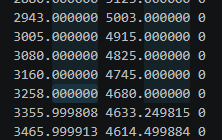
 One more irritating bug produced by digits. Sometimes editor crashes while building a map with profiles having lots of dots (more dots and edges - less ugly acute angles). This is fixed by rounding off coordinates in .dme file.
- Earlier
-
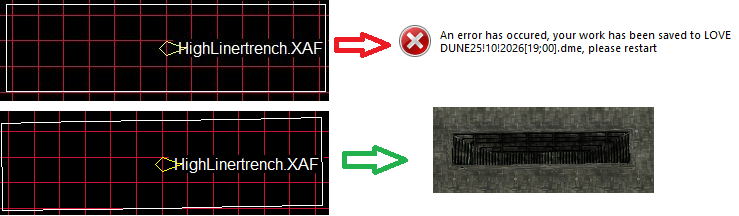
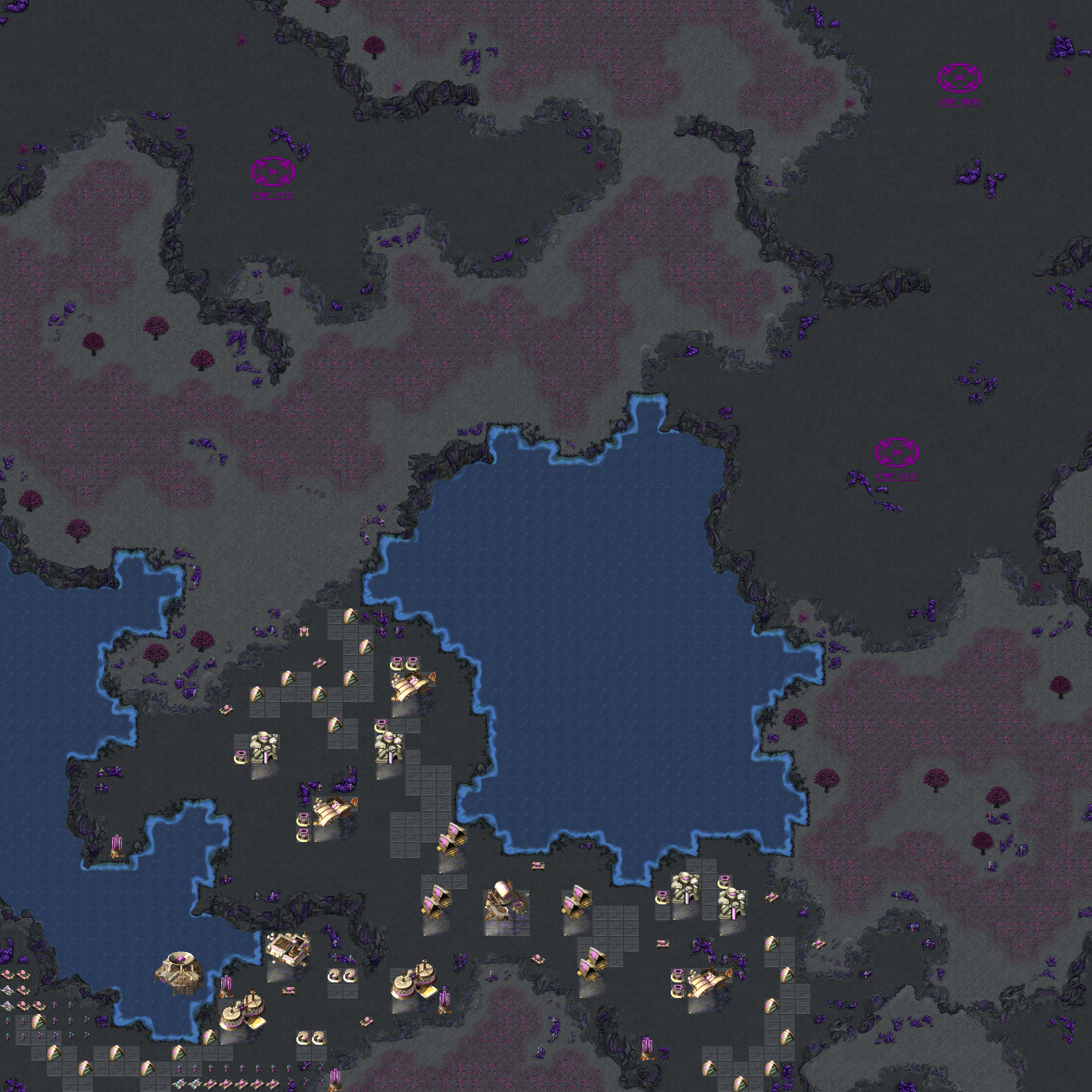
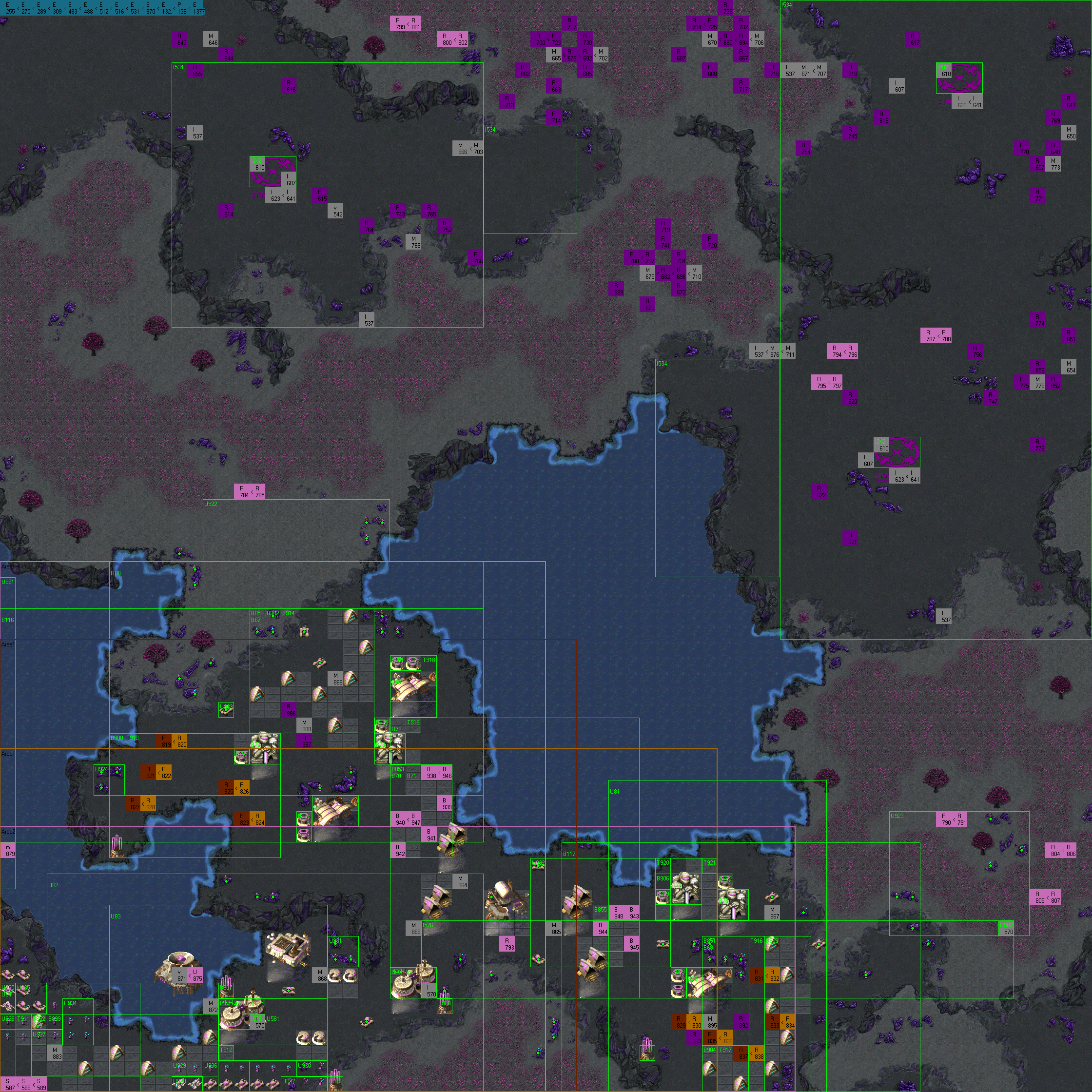
Just let this topic be a list of found non-obvious Map Editor bugs and workarounds. Today found one more mysterious bug. For some reason editor declined 90 deg. rotated objects and crushed while building the map. So I opened .dme template file and changed certain object rotation to 89 deg. Just replaced this with this and it helped!😉
-
 This is amazing news! What do you think will happen if I try to open an existing saved game from the original (disk-based v1.56)? Should I avoid that and play only new games started by the new release? Come to think of it, I didn't see where you said which EXE version rrt2-decomp reverse-engineered. I'm hoping it was v1.56 (the last patch to the original disk-based game). Steam's EXE was modded to integrate it, so if you reversed a Steam-distributed EXE, then you're saddled with its wrapper/hooks. Because the original went to 1.56, I recommend jumping your initial mimic to 2.0.0, and then use 2.1 etc for any enhancements. Also, the worst (crash-level) bugs in the old game should probably be patched before you offer any new features. Those could come out in 2.0.1 etc. Known bugs (off the top of my head): 1) Engine replacement during turn-around causes permanently folded runaway train. 2) Phantom farm allows track to be built over the top of it, and 1st train to hit it will crash the game. 3) Deleting a train can corrupt the train list, leaving an adjacent train pointing at another train's schedule (and its original schedule is orphaned) 4) I strongly suspect that stacking event results (things like +/- 10% cost of something) are miscalculated. At the very least, they don't seem to *unstack* logically when a series of buffs is followed by some nerfs. I'm very eager to peek into the decompiled source code to see how the game manages those pluses and minuses. After I get a good look at that, I'll probably be chomping at the bit to rewrite it, but I worry that the saved-game data structure might need to change. 5) Computer-run companies replace their engines too often. I suspect that they're wrongly using *train* age instead of *engine age* to trigger replacement. Because this is ruinously expensive, the PC players become even more hopelessly uncompetitive after about year 10 or 20 in any scenario. 6) Multi-input industries did not rebuild demand after a delivery. Ports also had a problem that could only be patched by hex-editing a saved game. 7) The TGV (or was it the prototype?) is hard-coded instead of being listed in the engines data table with all other engines. 8+) Many, many patches to that v1.56 EXE that I and other fans surgically implanted using hex-edit tools, mostly about 15 years ago. They're mostly numeric corrections to data tables embedded within the EXE. I can't even remember them all now, but I have some before-and-after spread sheets around here somewhere. I'm busy until after Halloween, but I hope to dive in after that
 -
 lin joined the community
 -
Just started making custom maps and faced very irritating behavior on WIN 10. Surface textures aren't changed. Here is the quote from the official manual: For some unknown reason it doesn't work on my WIN 10. I spent a day and have finally found a workaround. Copied all textures files (.tga) from Map Editor folder to the game folder. In resource.cfg file (in Map Editor root folder) changed a default path from to the new one (where textures files have been copied before) And it helped. Maybe this little workaround could come in handy to someone.
-
Alex Diver joined the community
-
Spidersbox joined the community
-
 Hi all, I've been working on rrt2-decomp, an open-source reimplementation of Railroad Tycoon II Platinum written in Rust. The aim is the same game you remember, running on today's systems: the same isometric 2D look and camera, sharp at 1080p, 4K and any UI scale. Faithful mechanics, checked against the original. The original executable is the reference, not the manual. The economy, cargo, train movement, AI, stocks and scenario events were reverse-engineered from the EXE. They are tested by running the original game under Wine and comparing its saved state with ours after the same inputs. Right now 131 out of 131 of those test cases match exactly, including runs of up to two years of game time. What works today Campaigns, scenarios and saves from the original The main window drawn with the original artwork, rebuilt to fit any resolution Track building by dragging between stations, trains, stations, stocks and bonds Smooth vector fonts in place of the pixel ones Translations into English, Portuguese, Spanish, German, Chinese and Russian An event history with filters, and notifications you can switch off per category Builds for Linux (tarball, AppImage, Flatpak), Windows and macOS Planned for 1.0: multiplayer (deterministic lockstep), a first-run screen that finds your install, a Windows installer, undo for construction, extra map overlays, fleet management, better reports, gamepad and Steam Deck support, mod support and accessibility options. You need your own copy of the game. No original assets are in the repository or in the downloads. You point the game at your installed copy (GOG, Steam or CD) and it reads the data from there. It's still a work in progress, so expect rough edges. Bug reports, screenshots of how something looked in the original, and feedback from longtime players are all very welcome. Repository: https://github.com/pedryvo/rrt2-decomp Downloads: https://github.com/pedryvo/rrt2-decomp/releases License: GPL-3.0.
 -
Keep up the good work. I will contact you this Sunday or later for getting the right files. Then, like last time, I test if it even works. Sorry that I don't do this asap. Because I am practically braindead after work. And a game + stream should be a plug and play.
-
worked level 6 up real quick. the link in the OP is the same, but the zip was updated here's the changelog: SARD 06: Double Dragons no recorded test runs from others yet, (Nguyen's runs are now under the spoiler) but I did my own. for however long this link stays up, here ya go: level 6: https://streamable.com/qt1ww1 it appears my estimations for tuning the AI were almost spot-on with the rough draft. I can't account for what other players or testers will experience, so hmu if it seems like something should be changed that's all for now. enjoy!
-
 Oh hell yeah this looks promising.
 -
level 5 is finished. the link in the OP is the same, but the zip was updated here's the changelog: SARD 05: Imperial Rage no recorded test runs from others yet, (Nguyen's runs are posted under the spoiler) but I did my own. for however long this link stays up, here ya go: level 5: https://streamable.com/a6ad6g even if you checked under the dev commentary spoiler above, you may not expect that the drop at 6:20 was actually... that's all for now. have fun!
-
'Open' Railroad Tycoon II ??
jeffryfisher replied to akuenzi's topic in Railroad Tycoon 2 Discussion
Some of the "game rules" were designed for the Metra-scale maps (where a single industry/station building really can fill multiple squares), but they're enforced on even continental-scale maps (where multiple stations and the largest railyard in the world could fit inside a single square). Perhaps the game could benefit from giving each map some metadata that includes its scale so that the blocking and turning rules can change. -
My feedback is "Thank you." With all the talk about AI decompiling and reverse engineering I see daily (Pokémon just yesterday), I had the idea of coming to this forum and I'm glad I see someone making some strides. I think fixing little annoying things will be a big improvement. I haven't played for 2 years but off the top of my head: Each 45° turn has the effect of 2% grade when it should be 0.5% at most for any curve, no matter how close together they are. The fact that trains obstruct intersections feels excessive. Same for broken down trains. Is it true the economic cycle follows your personal situation in order to harm you? I couldn't believe it when I first read it but with time found it more convincing. A second station in the same city/industry creates its own demand. Silly! Irregular production rates. I don't have a big imagination so I will leave new features proposals to others. What Jeffry said about fleet management (or just the auto renewal of locomotives) sounds great.
-
'Open' Railroad Tycoon II ??
jeffryfisher replied to akuenzi's topic in Railroad Tycoon 2 Discussion
My ideas are laid out from the beginning of this thread. Off the top of my head: Bug fixes, like not jamming a train when its engine is replaced during a reversal (train turning around and overlapping itself). Also: When passengers become scarce, make sure that various cities produce them slowly but steadily instead of all at once rarely (i.e. randomize the houses so they're not synchronized). And then there's the phantom farm crash, and train-list data corruption after a train is deleted. Also: Computer players should replace engines based on *engine* age, not *train* age (after a few years, they replace engines *every* year!) Then there are productivity enhancements like being able to filter the train list by age and engine-type and then select-all or select several to replace many engines at once. It would also be nice to filter for various common train problems (like waiting empty). Document trigger & event mechanics (or internally comment code) so scenario designers can properly tune events. For instance, if I execute a series of events that discount track-building cost by some percentage, how do those percentages stack? And after the game has stacked several (maybe a lot of them), how would an adjustment the other way affect the total? And then there's the mystery of which adjustments scan be applied per company / region / global / player, and then how they stack if applied at more than one level. -
'Open' Railroad Tycoon II ??
jeffryfisher replied to akuenzi's topic in Railroad Tycoon 2 Discussion
"I plan to release the project as open source if I can obtain permission from the rights holder." I first tried to identify the "rights holder" over a decade ago, and the likely companies deferred to one another. Take2 supposedly bought out PopTop, but when approached insisted they'd sold the rights on to a Sid Meier project (that eventually became his quickly-forgotten model-RR type game). When I contacted Sid Meier's company (forgotten its name), they insisted that they had zero RT2 interest, ownership or original source code. That leaves only Steam (and any other distributors of the original game) as stakeholders. They have contracts with somebody, so they're the ones who might complain if RT2 is re-released. You might approach Steam and at least one vendor of the disc-based game, pitching your open-source idea as an expansion that would drive new sales. The knee-jerk reaction will always be cease-and-desist, because that's how lawyers "think", so don't be discouraged. However, if you can get past the non-thinking lawyer level, then you might get an intelligent reply from an actual business person who thinks in terms of opportunity rather than status quo. If you're outside the US, you have more flexibility to go for an "asking forgiveness is easier than permission" path to the open-source add-on result. -
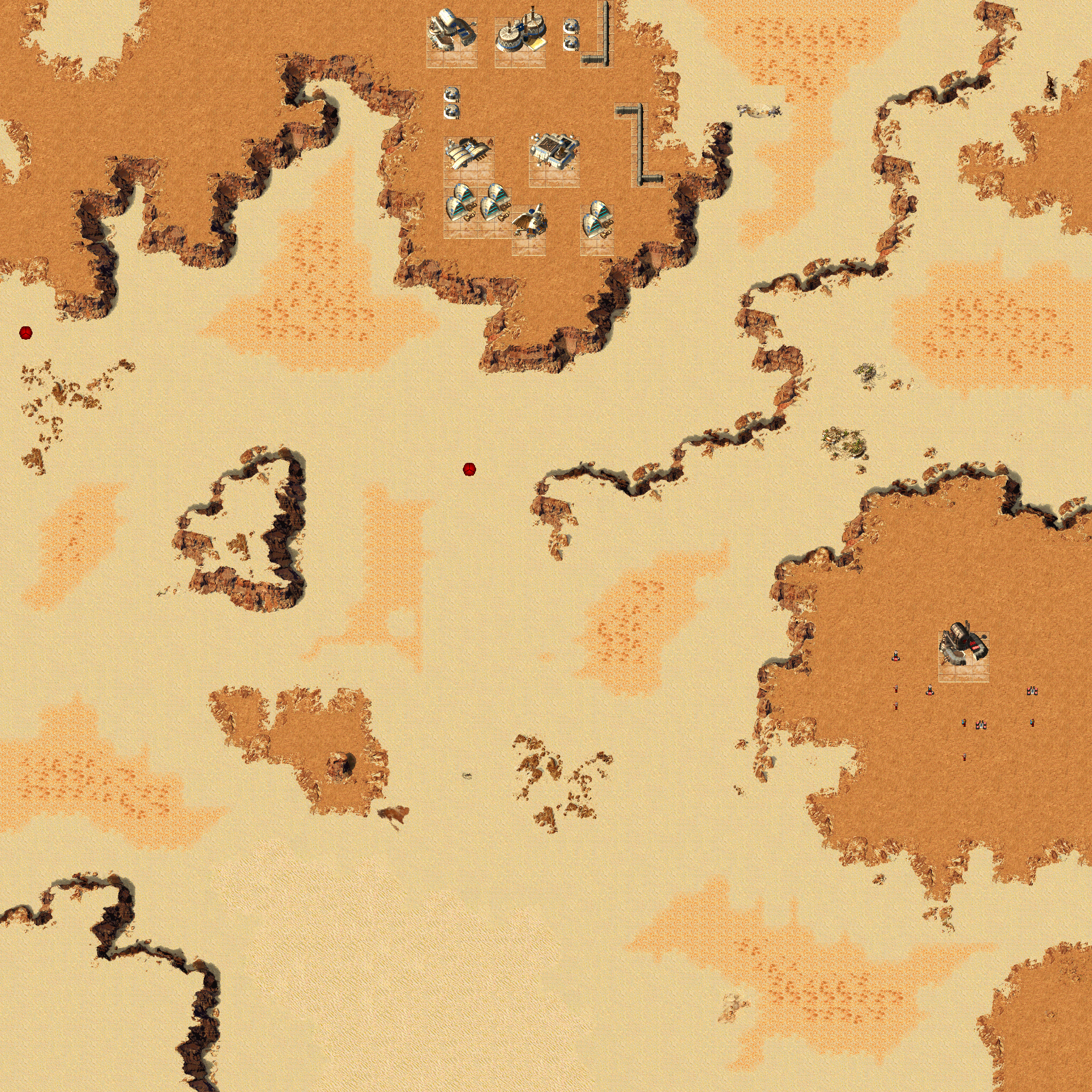
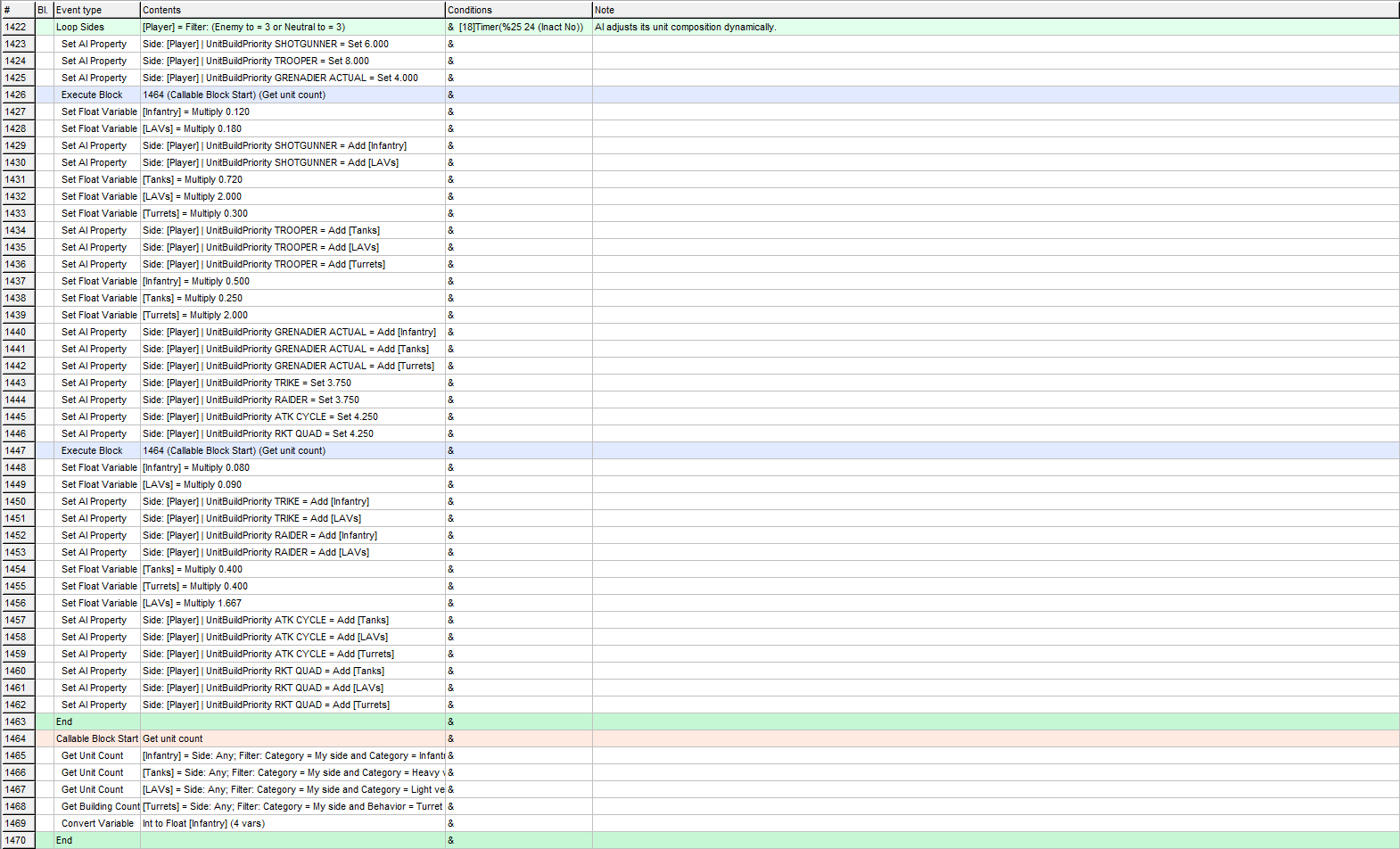
levels 3 & 4 are finished. the link in the OP is the same, but the zip was updated now for some info. first, here's a changelog for general adjustments and levels 1 & 2: SARD 03: Cutter Teeth SARD 04: Skullcracker oh yeah, and although Nguyen or other testers haven't recorded runs just yet, I've got some test runs right here. streamable links will expire eventually, but by whenever it is that that happens I'll surely have edited this post with Nguyen's runs. he always comes through level 3: https://streamable.com/rfved4 level 4: https://streamable.com/j4oegl these clips were of earlier drafts. certain things are different in the current result have fun! there's a lot to play around with on level 4. even if striking out early on hard mode isn't really feasible, it's possible on normal and especially doable on easy mode EDIT 10/15/26: uhh... it seems I forgot to include the SOUNDS.RS in the zip. whoops. that'd be why a buncha sounds are missing. I'll patch it properly later; for now, just drop this under CustomCampaignData > FeyArkanon > Ark01IS > GAMESFX and/or GAMESFXEng <ATTACHMENT REMOVED> friendly reminder that this file, being attached directly to the forum, will appear to be missing or unavailable unless you're logged in if that's a problem, swing by the Landsraad Discord server pinned at the top of this forum and poke me there if ya want. I listed it there first when this issue was discovered I was also made aware that level 4 accidentally calls for the wrong color file. it won't stop the map from launching or anything, it'll just make the AK gray instead of pink as the vanilla color is used instead. so dw about it lol EDIT 10/18/26: level 5's out and the zip's updated with the SOUNDS.RS in the right place. the above is no longer a problem!
-
Hello everyone! I'm a longtime fan of Railroad Tycoon II, and I've been working on a reimplementation of the game using the Godot engine. I plan to release the project as open source if I can obtain permission from the rights holder. The port would require assets from a legally purchased and installed copy of RT2 — no original game assets would be distributed. If permission cannot be obtained, I plan to turn the project into a standalone game with original assets, preserving the mechanics of RT2 as closely as possible. Community feedback is very important to me. Alongside the classic mode, I'd like to introduce an expanded mode with additional features and mechanics that were missing from the original game. I'd love to hear what improvements you'd like to see. All ideas, suggestions, and constructive criticism are very welcome!
-
are you attempting to launch multiplayer through the in-game menu? it should work outta the box by launching through C&Cnet. just keep in mind that C&Cnet messes with things in order to prep the install for multiplayer, so I would advise keeping a separate install for multiplayer and one for single-player
-
Good afternoon, everyone. I’d like to know if anyone else has experienced what I’m going through tonight. I installed the latest available version (Dune 2000 Gruntmods Edition 1.6.7.exe), and the installation seemed to go smoothly. I started playing (it’s my first time playing since formatting my computer), adjusted the resolution to my monitor's maximum, and enabled full-screen mode. However, right after selecting "Launch Multiplayer," the game didn't proceed, and the following messages appeared: "Update failed... Please check your connection, Anti-Virus and Firewall settings! An exception occurred during a WebClient request." "Warning, playing older versions might not work properly (incompatible game files)! Would you like to connect with the old version anyways?" "Error: game files not found! The client will now reset all important files and restart..." "An error occurred; please provide the logfile to FunkyFr3sh. Configuration system failed to initialize" Has anyone else encountered this problem? How did you manage to resolve it? Thanks in advance for any help.